Onpass

Tickets on screens, printer behind.

Each station sees its own tickets, the pass and the runner screen see the whole order, and the kitchen printer prints any ticket that no screen picks up.

Book a demoStart a free trial

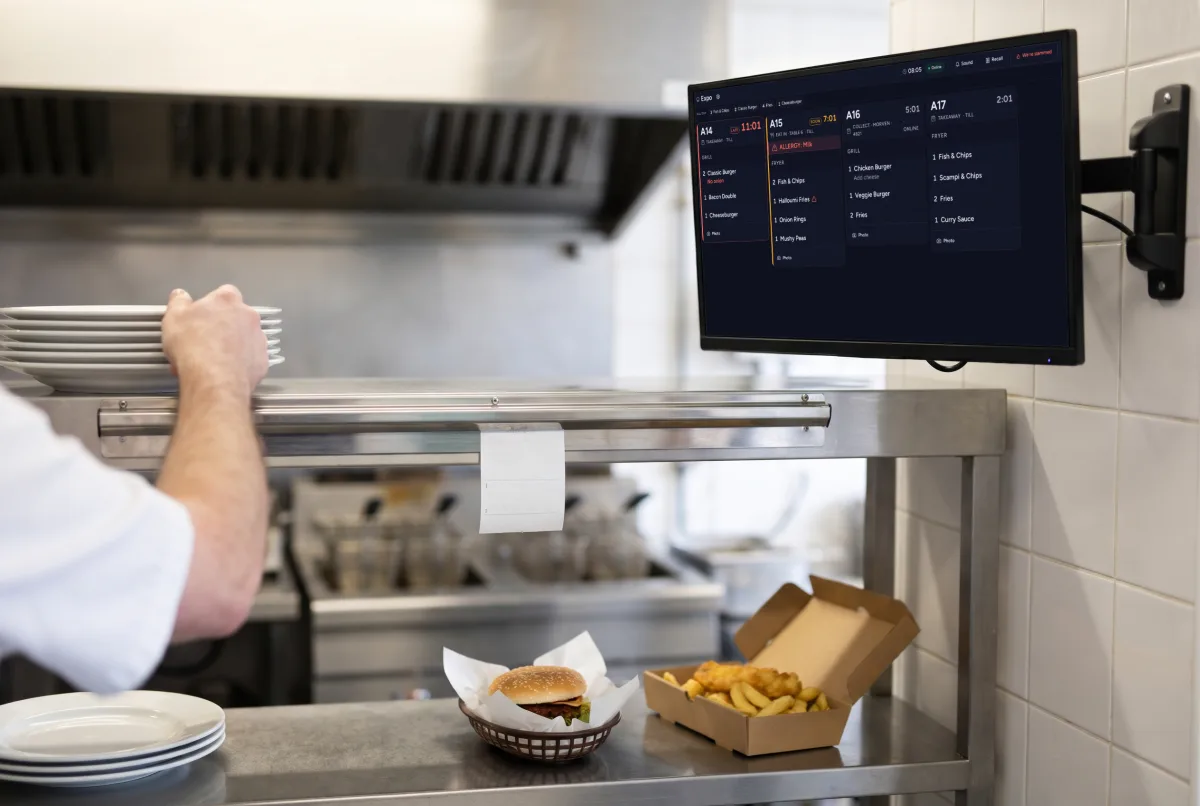
The Onpass kitchen display on an arm on the tiled wall at the end of the pass, a cook reaching for plates, a burger and fish and chips waiting; the fryers are across the kitchen behind.
A ticket on the kitchen display with a red allergy bar reading ALLERGY: Milk, and the dishes under it

Available today

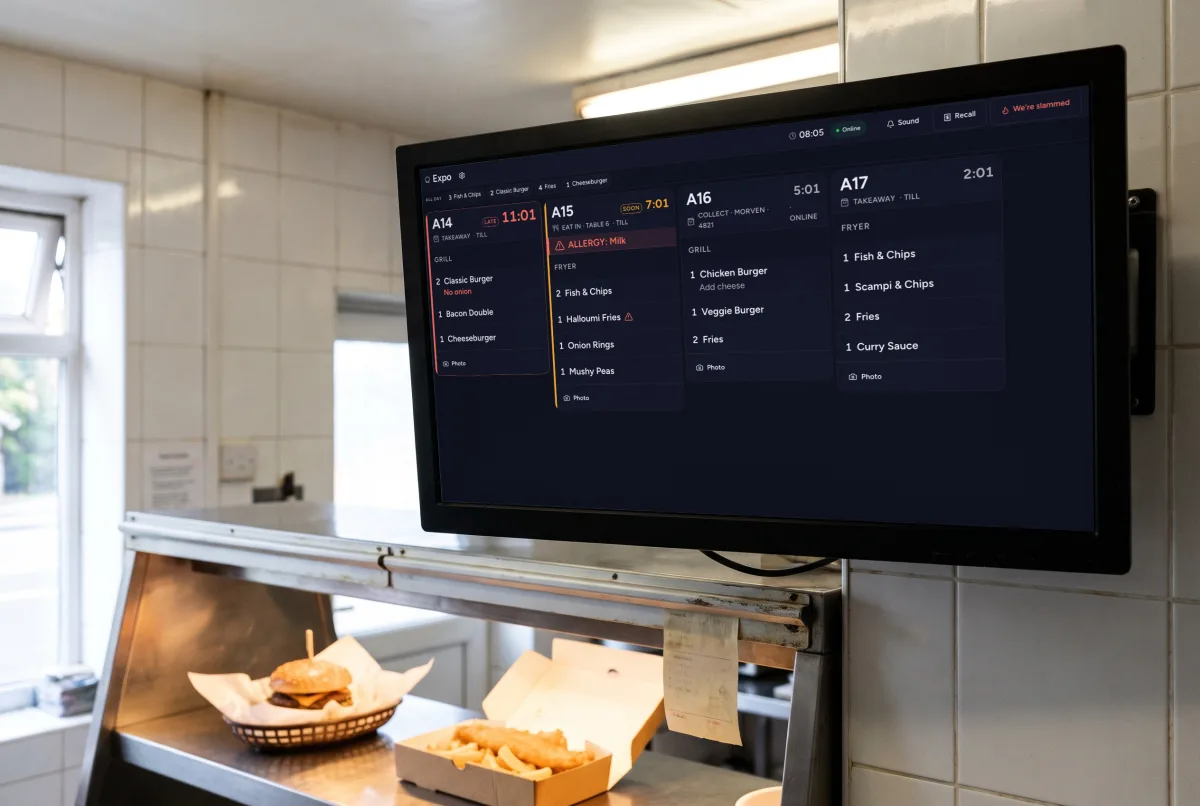
The kitchen display, close up.

The Onpass kitchen display on a wall-mounted screen above the pass: four tickets, one late in red and one with an allergy bar, over a burger and a box of fish and chips.

Ageing tickets, bumped by touch.

Ageing tickets. Tickets change colour as they age against the expected prep time.

Bump, undo and recall by touch or with a USB bump bar.
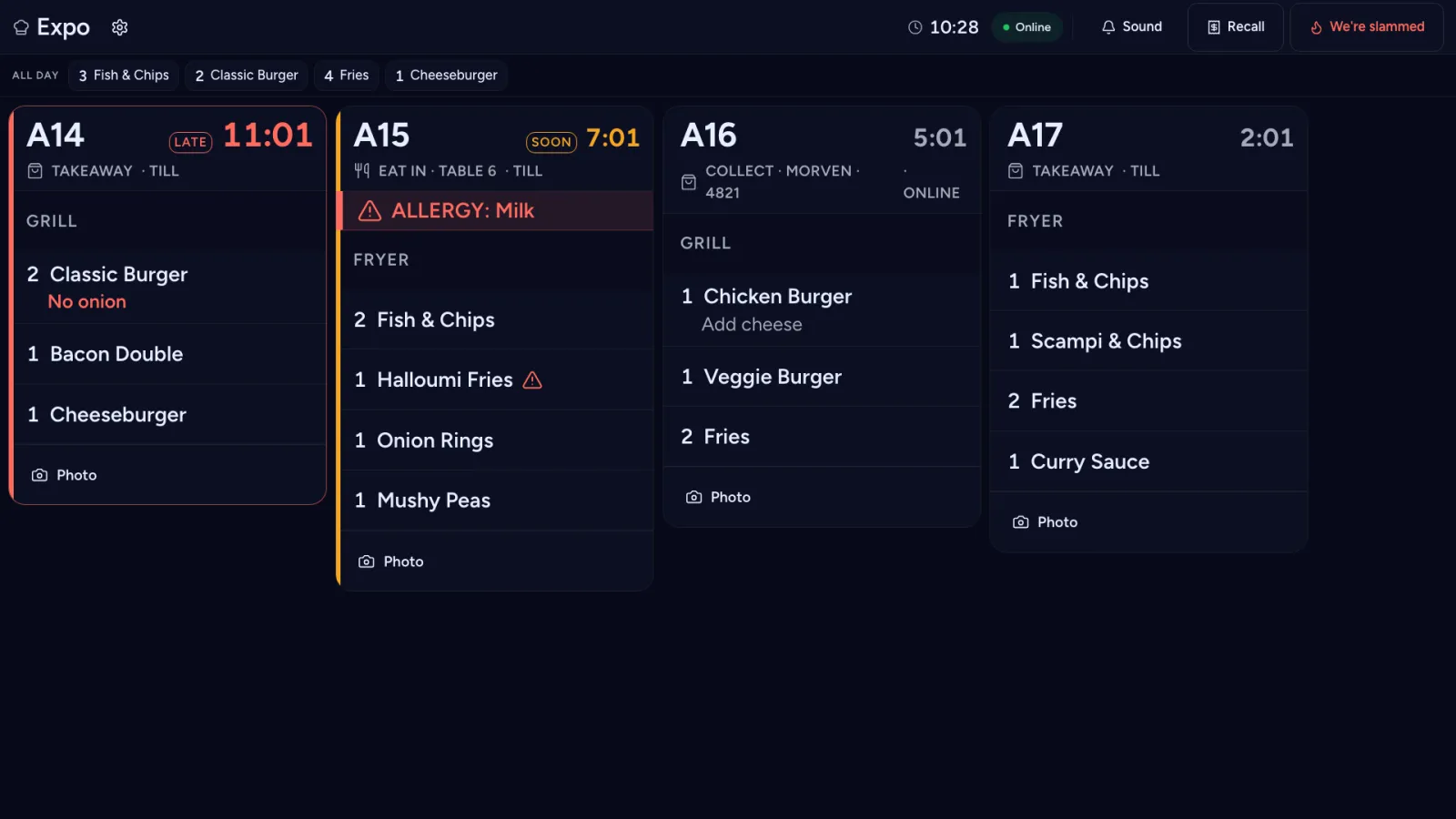
A ticket on the kitchen display with a red allergy bar reading ALLERGY: Milk, and the dishes under it

An allergy bar that cannot be hidden

With its own tone.

A ticket with a red allergy bar reading ALLERGY: Milk

A "We're slammed" button

Hold it for one second. Stations cook down for 30 minutes, so online ordering offers fewer slots. It ends by itself.
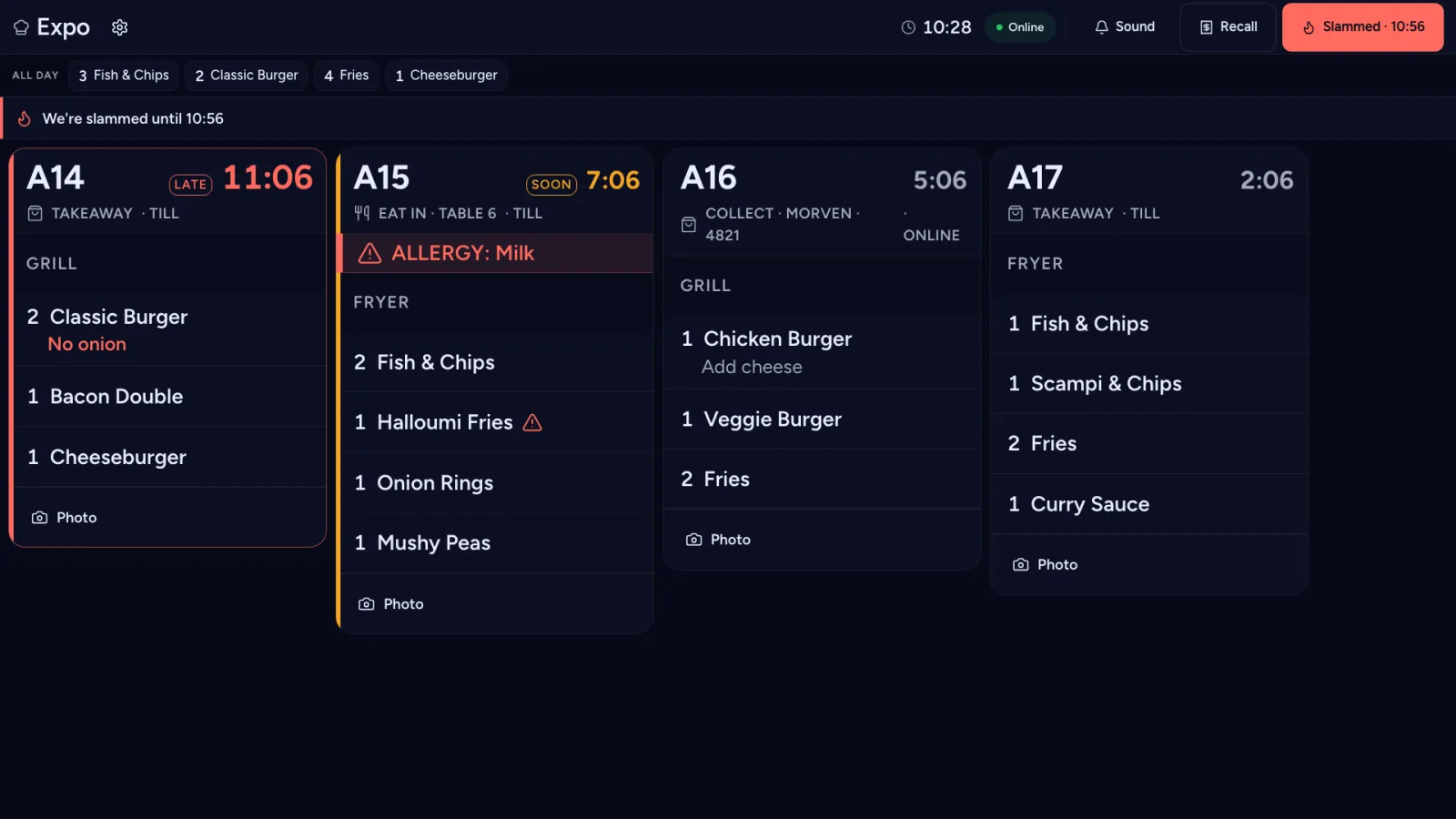
The We're slammed button filled in red, reading Slammed with the time it ends

All-day counts

For each station.

The all-day counts along the top of the screen: Fish & Chips 3, Classic Burger 2, Fries 4
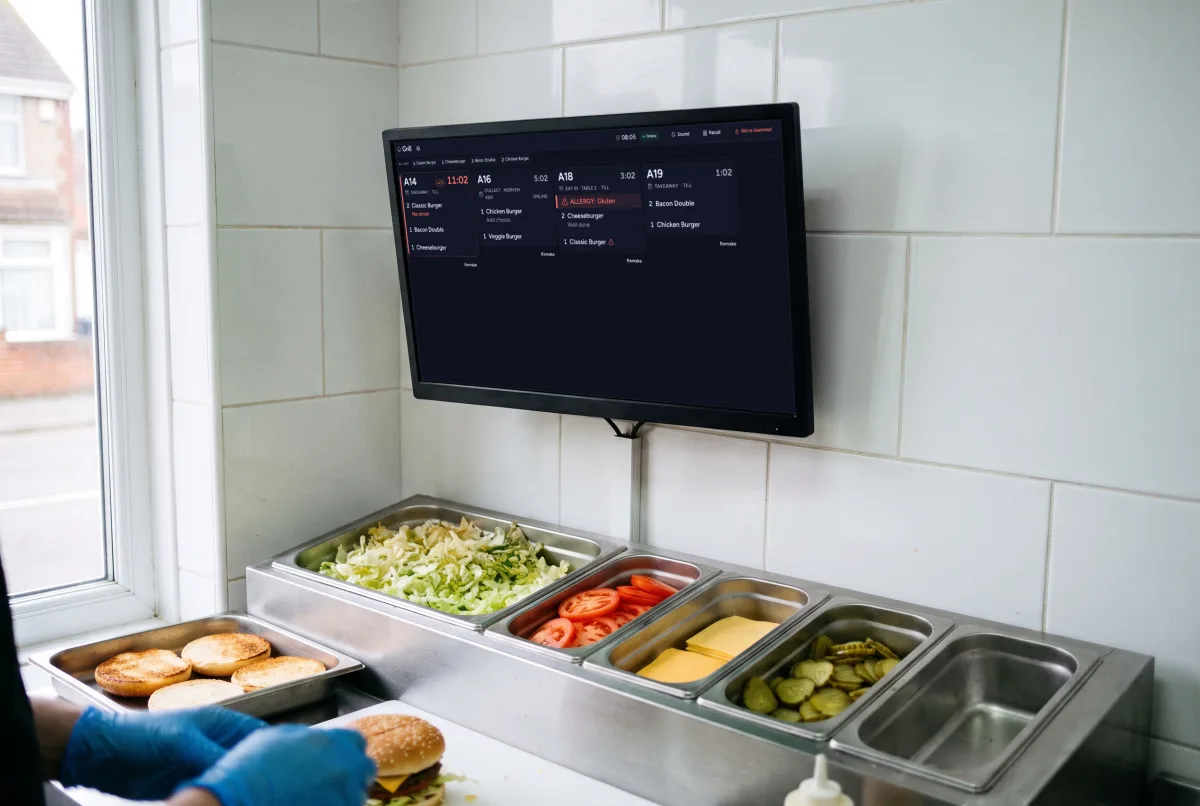
The grill station view of the Onpass kitchen display on a wall screen above a burger build bench: tubs of lettuce, tomato, cheese and gherkins, and gloved hands finishing a burger.

Station views, with routing.

Station views. Each station sees only its own items, and an expo view shows the whole order.

Routing, so each item goes to the station that cooks it.
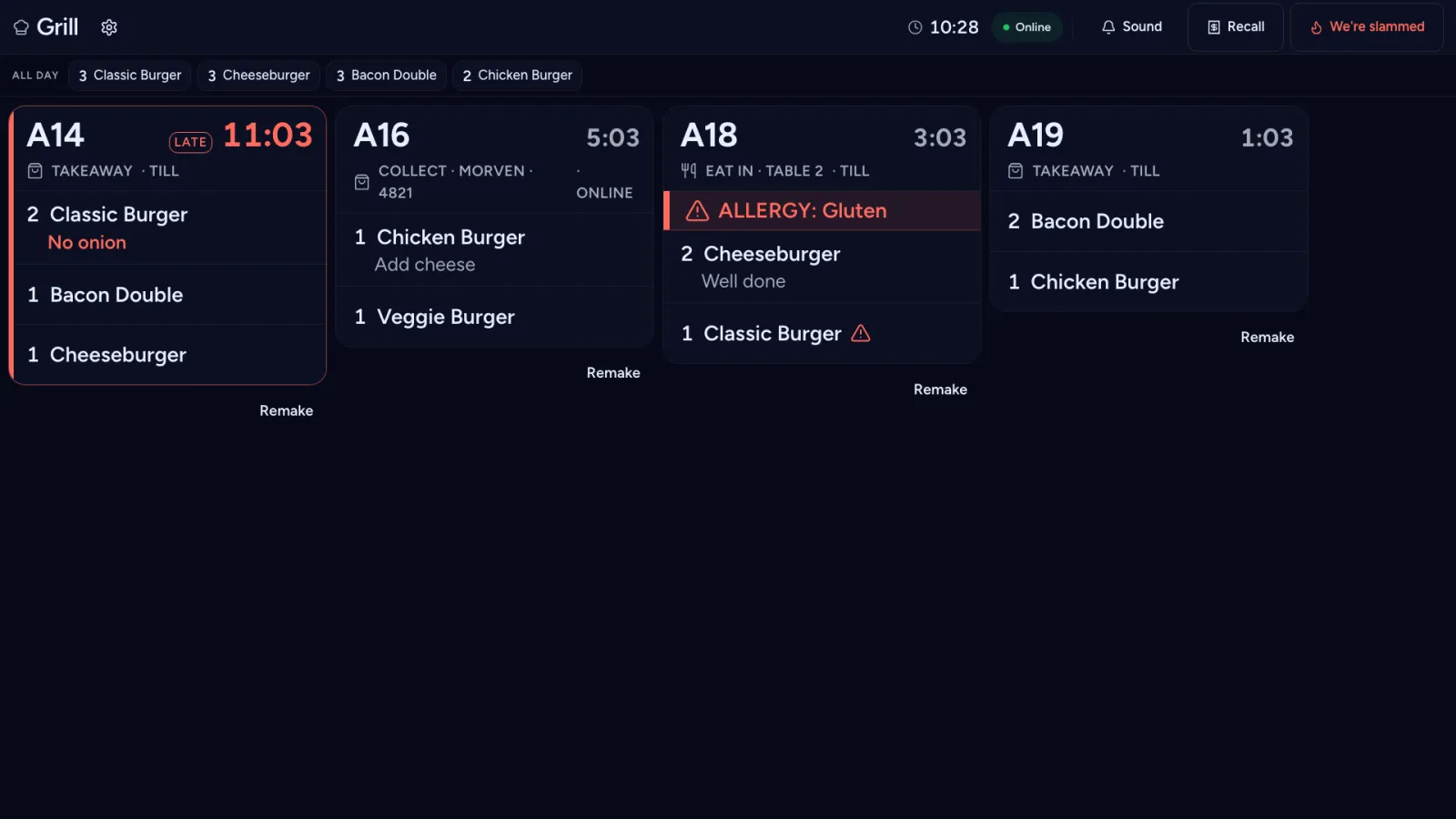
The first ticket on the grill station's screen, one burger late, with its lines under it

Printer fallback

If no kitchen screen picks up a ticket, the kitchen printer prints it within about a minute, and the ticket is marked PRINTED.

A printer fallback that works offline.
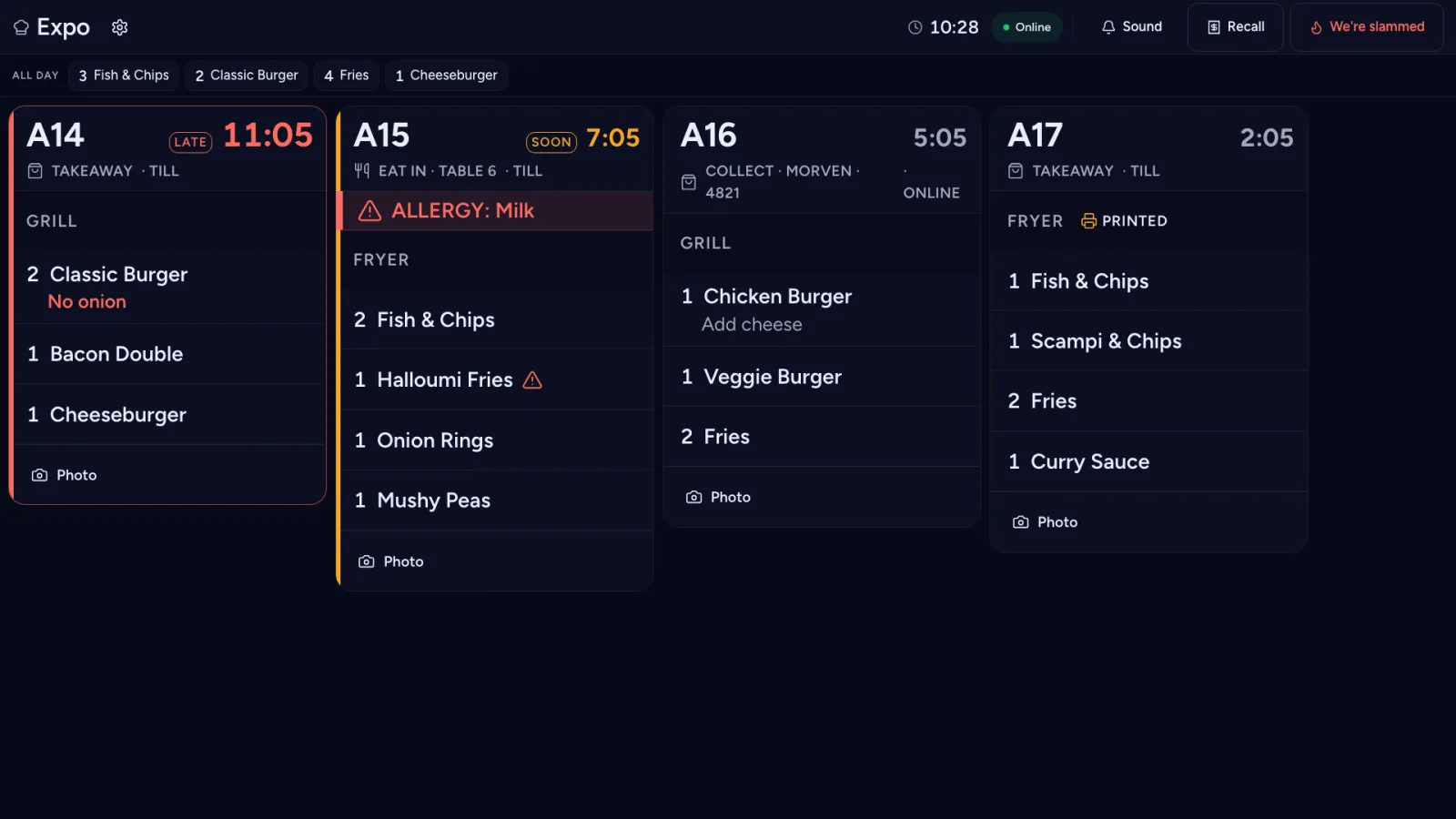
A fryer ticket marked PRINTED on the kitchen display

And at the pass

  • A runner screen for the pass.
  • Remake reasons, recorded when a dish goes back.
  • Prep times learned from bump data.

On the line

  • Station views. Each station sees only its own items, and an expo view shows the whole order.
  • Routing, so each item goes to the station that cooks it.
  • Ageing tickets. Tickets change colour as they age against the expected prep time.
  • All-day counts for each station.
  • Bump, undo and recall by touch or with a USB bump bar.

At the pass

  • An allergy bar that cannot be hidden, with its own tone.
  • A runner screen for the pass.
  • Remake reasons, recorded when a dish goes back.
  • A "We're slammed" button.

For the owner

  • Printer fallback. If no kitchen screen picks up a ticket, the kitchen printer prints it within about a minute, and the ticket is marked PRINTED.
  • A printer fallback that works offline.
  • Prep times learned from bump data.
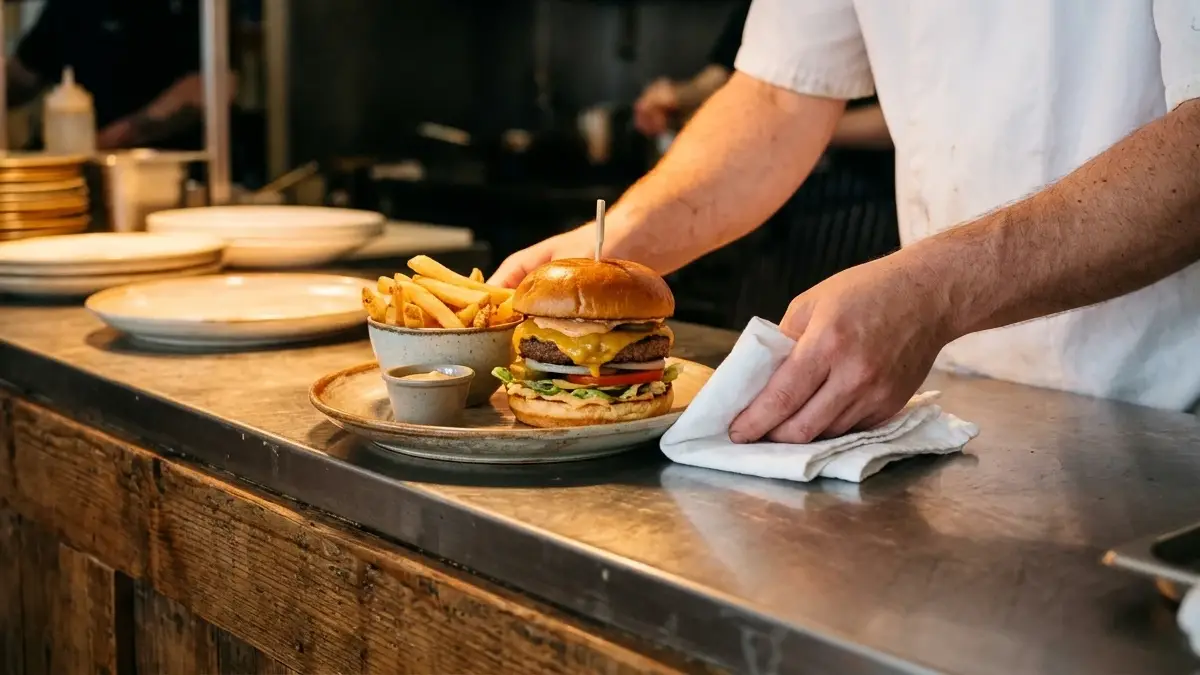
A hand wiping the rim of a plate on the pass before it goes out
The passStation views and an expo view

What it runs on

Runs full screen on any device with Chrome. We suggest 21 to 24 inch screens.

See it in a demo.

We will show you the kitchen display taking orders from the till and from online ordering. Or start a free trial: 30 days, with no card needed to start.
Book a demoStart a free trial

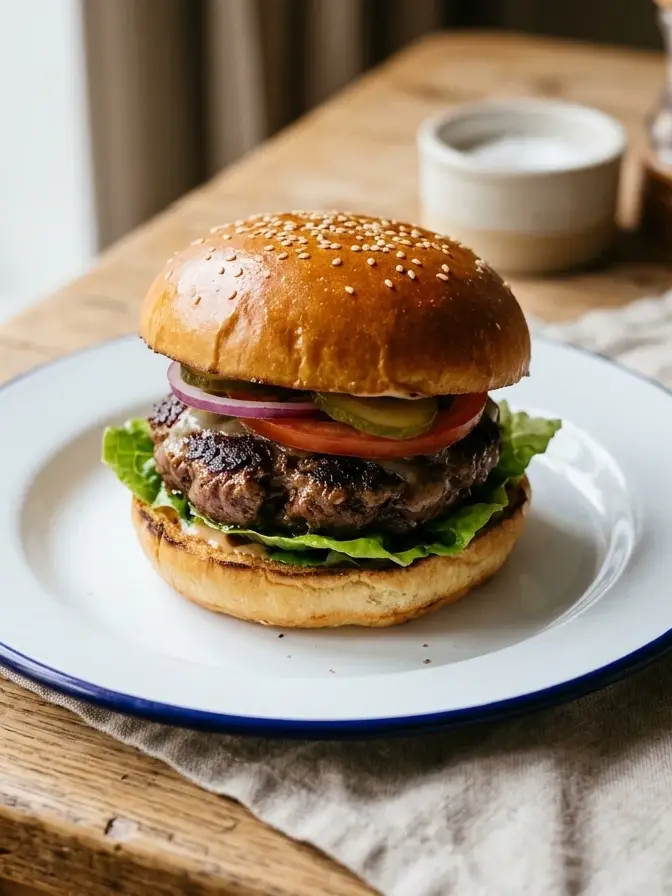
A burger close up on a white plate
From the grill