Onpass

Take the order, take the payment, keep going.

Take orders, take payment and cash up, and keep going when the internet drops.

Book a demoStart a free trial

The till taking a takeaway order: menu tiles with photos and prices on the left, the empty order and payment buttons on the right

Available today

The till, close up.

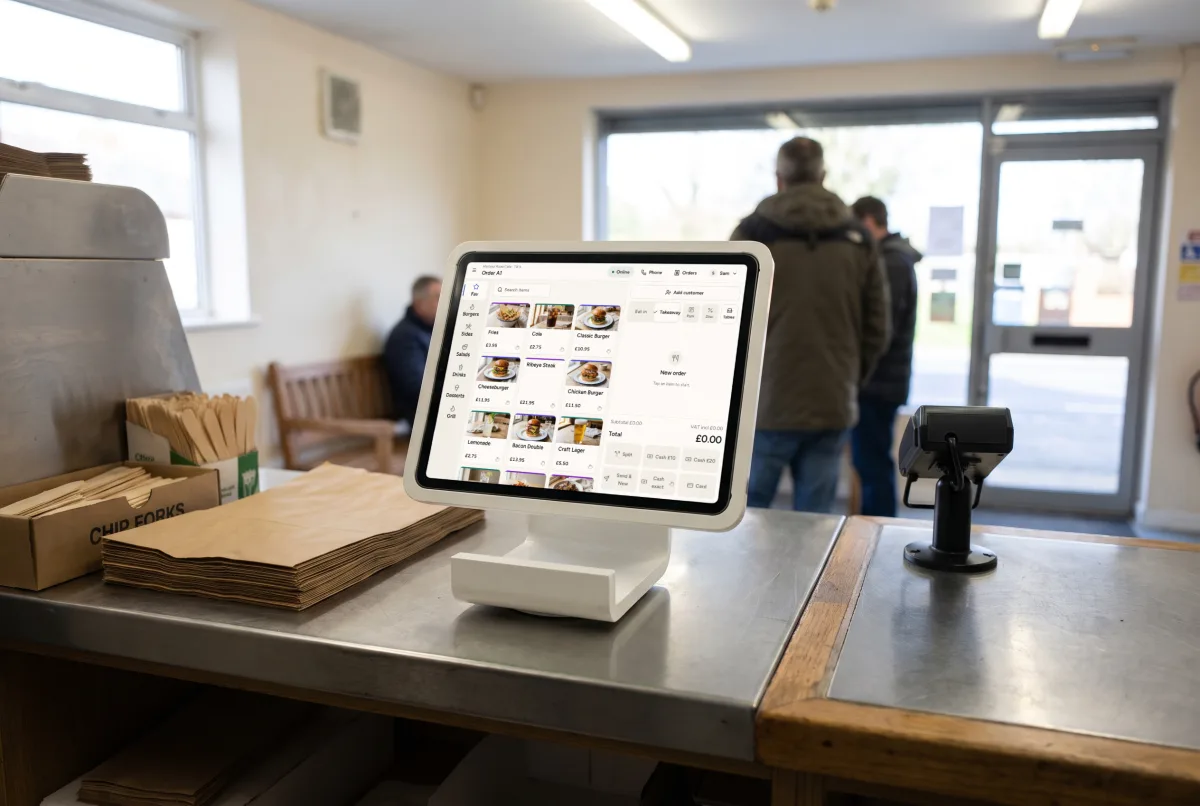
The Onpass till on a tablet in a white counter stand on a takeaway counter, the card reader on its post at the customer side, paper bags and chip forks to hand, customers waiting by the door.

The till, on the tablet you already have.

Android 10 or later tablets with Chrome, or iPads on iPadOS 15 or later. A 10 to 13 inch screen, in landscape.
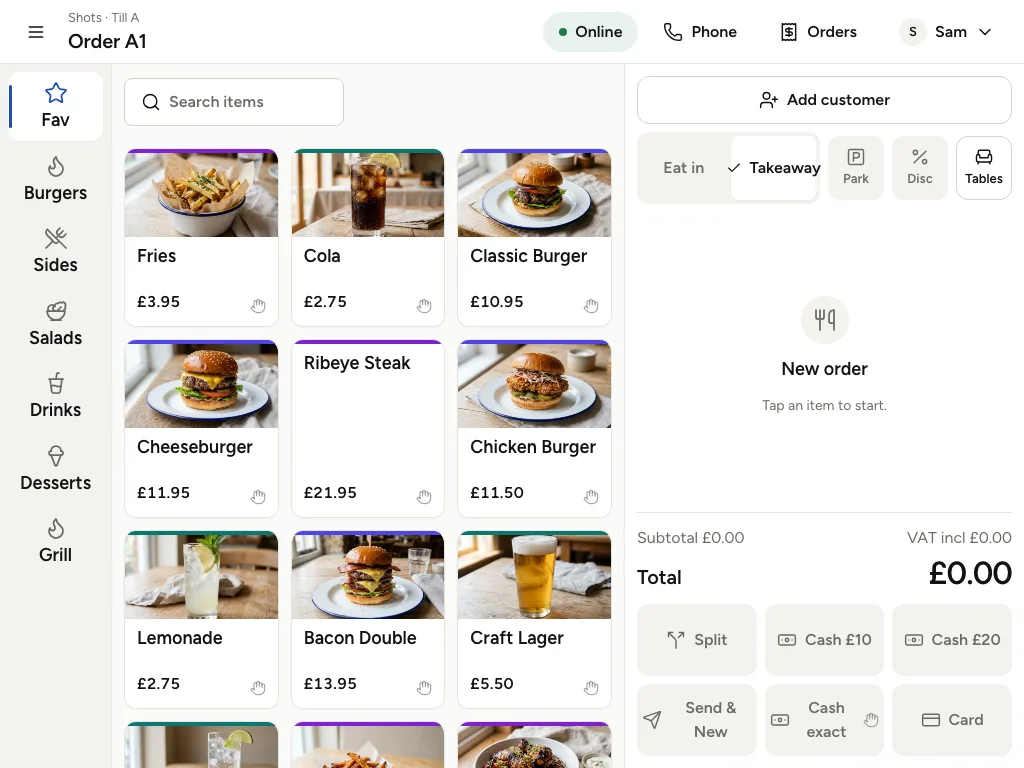
The till's menu tiles with photos and prices, beside the empty order

Split the bill, take the card.

Split the bill evenly two to six ways.

Card payments through Stripe Terminal readers, with a tip prompt for eat-in orders.

The till's total and its payment buttons: Split, Cash and Card

Works offline

Orders, cash and printing carry on without a connection and sync later.

86 an item

For 30 minutes, until close or until tomorrow.

Search, and same again.

Search that copes with shorthand, and barcode scanners.

Same again. Repeat a customer's last order in two taps.

The till's search box above its menu tiles

Phone orders

That recognise a returning caller, offer a collection slot, and send a pay link or take payment on collection.

Cash-up

With expected, counted and variance.

At the counter

  • Same again. Repeat a customer's last order in two taps.
  • Park and resume orders.
  • Search that copes with shorthand, and barcode scanners.
  • Phone orders that recognise a returning caller, offer a collection slot, and send a pay link or take payment on collection.
  • 86 an item for 30 minutes, until close or until tomorrow.

At the table

  • Handheld waiter mode for taking orders at the table.
  • Seat numbers, with a seat strip for splitting the bill by seat.
  • Split the bill evenly two to six ways.
  • Bar tabs with card pre-authorisation.
  • Card payments through Stripe Terminal readers, with a tip prompt for eat-in orders.

For the manager

  • Works offline. Orders, cash and printing carry on without a connection and sync later.
  • Refunds to the original payment method, behind a manager PIN.
  • Cash-up with expected, counted and variance.
  • Practice mode for training new staff.
  • Staff permissions, so each role sees what it needs.
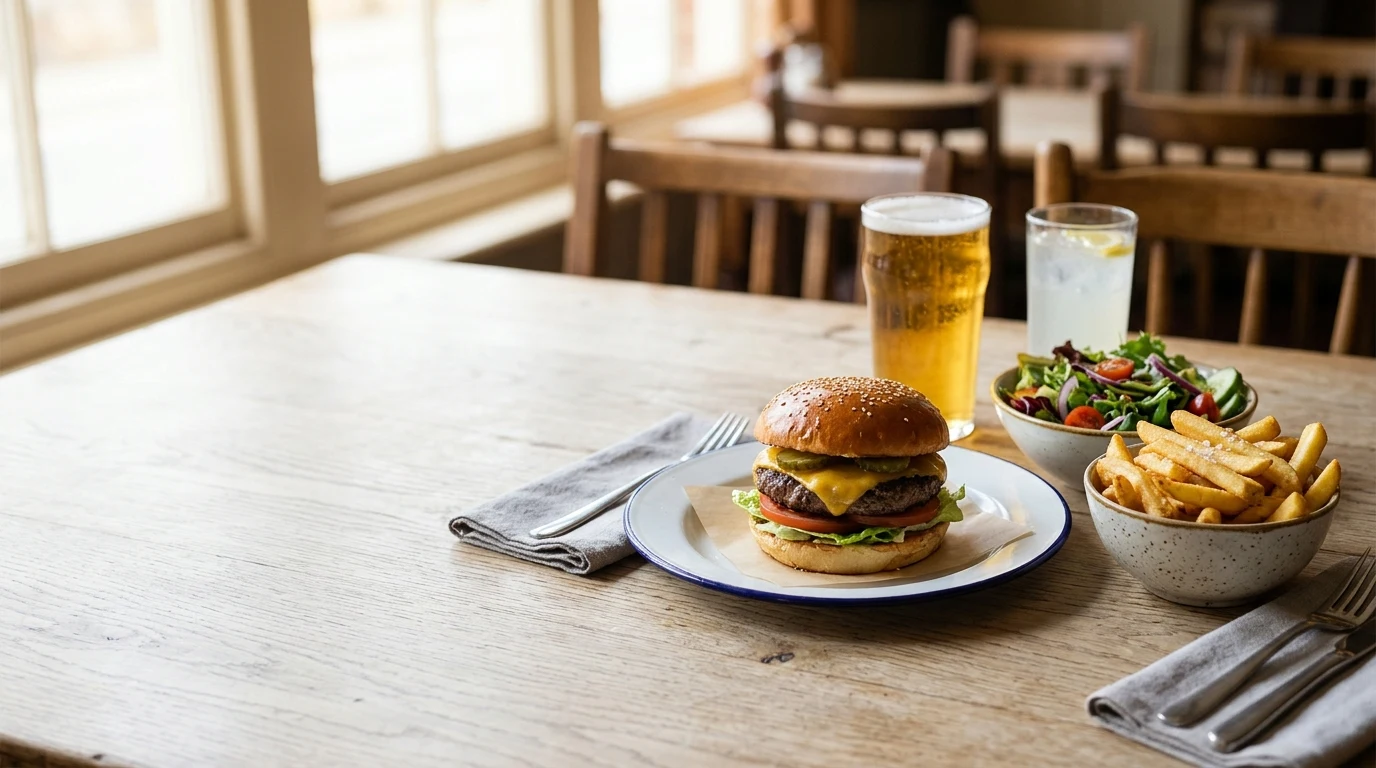
A burger, a pint and sides on a table in a dining room
At the tableCounter service and takeaway

What it runs on

Android 10 or later tablets with Chrome, or iPads on iPadOS 15 or later. A 10 to 13 inch screen, in landscape.

See it in a demo.

We will show you the till alongside the kitchen screens and the back office. Or start a free trial: 30 days, with no card needed to start.
Book a demoStart a free trial

A burger on a blue-rimmed plate on a linen cloth by a window
One order of many